
 Juliana — Sales & GTM expert
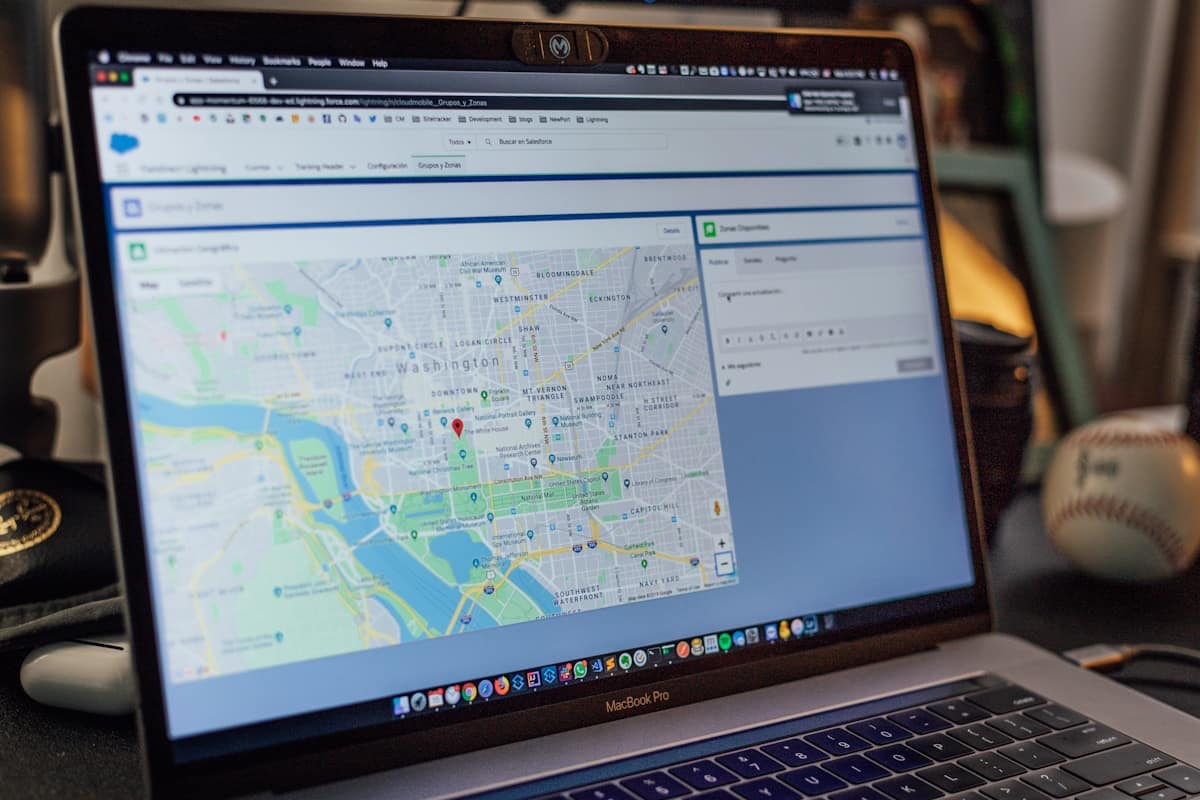
If you sell a product that competes with, integrates with, or replaces Salesforce, knowing which companies run it is the fastest shortcut to a warm pipeline. These companies have already allocated budget to CRM infrastructure. They've validated the problem. They're not asking whether they need a solution — they're asking whether they have the right one.
- Companies using Salesforce are confirmed CRM buyers — they have budget, a defined process, and an active need for adjacent tools.
- The most scalable way to find Salesforce users is technographic data combined with job postings that name Salesforce directly.
- Filtering a Salesforce customers list by company size, industry, and hiring signals cuts your list to the accounts most likely to convert.
- Outreach that references a prospect's Salesforce usage gets significantly higher reply rates than generic messaging — relevance signals research.
- Tools like Stealery let you search by competitor or tech stack and export a filtered, outreach-ready list without manual research.
Why should you target companies that use Salesforce specifically?
Salesforce users are not just any companies — they are companies that have made a deliberate, often expensive decision to invest in CRM infrastructure. The average Salesforce contract runs $25–$300 per user per month, meaning even a 20-person sales team represents a meaningful annual commitment. That budget signal tells you something critical: this company prioritises its sales stack.
For SDRs selling complementary tools — revenue intelligence, sales engagement platforms, data enrichment, CPQ, or territory management software — a Salesforce customer list is effectively a pre-qualified ICP list. The prospect already has the CRM infrastructure your product is built to connect with. Integration objections shrink. The conversation starts further down the funnel.
For those selling a direct CRM alternative, Salesforce users are even more valuable: they're paying a premium, they know the category deeply, and a meaningful subset will be frustrated by complexity, cost, or feature gaps. According to Gartner, CRM dissatisfaction is highest among mid-market companies (100–1,000 employees) where Salesforce's enterprise-grade complexity outpaces the team's actual needs — exactly the cohort worth targeting.
How do you find companies using Salesforce?
There are four primary methods, ranging from manual and slow to automated and scalable. Most SDRs start with one and graduate to another once they understand the signal quality difference.
1. Job postings (free, but time-intensive)
Companies that name Salesforce in a job description are confirmed active users. A posting for a "Salesforce Administrator" or "Sales Operations Manager — Salesforce" is public evidence of an installed instance. Search LinkedIn Jobs, Indeed, or Glassdoor for "Salesforce" combined with a job function. This method is free but slow to scale, and you're limited to companies actively hiring — roughly 10–20% of your total addressable market at any given time.
2. LinkedIn filters
LinkedIn Sales Navigator has a "Technologies Used" filter under Account filters. Search for "Salesforce" and you'll surface companies with confirmed Salesforce usage in their tech stack. The dataset is imperfect — it relies on self-reported data and LinkedIn's own enrichment — but it's a solid starting point for building a Salesforce accounts list. Filter by headcount, industry, and geography to get to a workable number before exporting.
3. Intent data platforms (G2, Bombora)
G2 Buyer Intent and Bombora track which companies are actively researching products in a category. If a company is browsing Salesforce alternatives on G2, that's a strong switching signal. These platforms are expensive (typically $15,000–$40,000/year) and built for larger revenue teams. For most SDRs at growth-stage companies, the ROI only materialises if you're working a large enough territory to justify the contract.
4. Technographic prospecting tools
This is where the stack-to-pipeline ratio is highest. Technographic tools are built specifically to answer the question: "which companies use X?" You enter a product name — Salesforce, HubSpot, Outreach, whatever — and get back a list of companies with confirmed usage, enriched with firmographic filters. The fastest way to do this at scale is a tool like Stealery — you type in a competitor or tech stack name and get back a filtered list of companies using it, segmented by size, location, and hiring activity. What would take a full afternoon of manual research takes about 30 seconds.
How do you filter a Salesforce customers list to find the best prospects?
A raw list of companies using Salesforce is too broad to be useful on its own. Salesforce has over 150,000 customers globally — everything from solo consultants to Fortune 500 enterprises. Applying the right filters is what turns a data export into a target list.
Filter by company size
Your ICP almost certainly has a headcount range. If you sell a Salesforce-native analytics tool designed for mid-market teams, filtering to 50–500 employees eliminates both the solo operators who'll never buy and the enterprise accounts that need a 6-month procurement cycle. Most technographic platforms let you set this filter before export.
Filter by industry vertical
Salesforce penetration is highest in financial services, technology, healthcare, and professional services. If your product has a vertical angle — say, a CPQ built for manufacturing — filtering by SIC code or LinkedIn industry tag reduces noise dramatically.
Filter by hiring signals
Companies actively hiring for Salesforce-related roles are in active deployment or expansion mode. A company posting for a Salesforce Business Analyst while also hiring SDRs is investing in its sales infrastructure — that's the ideal moment to reach out about a complementary product. Hiring velocity is one of the most underused filters in technographic prospecting.
Filter by geography
If your product has territory constraints, regional compliance requirements, or if your team is aligned to territories, geo-filtering is essential before any outreach starts. Running a campaign to 200 companies only to realise 60 of them are in markets you don't serve is a common and avoidable waste.
How do you write outreach that converts when targeting Salesforce users?
The biggest mistake SDRs make when using technographic data is not changing their messaging to reflect what they know. If you know a company runs Salesforce, and your cold email doesn't reference that, you've wasted the signal.
"The reps who outperform everyone else on our team aren't sending more emails — they're sending emails where every line proves they've actually looked at the account. Mentioning a specific tool the prospect uses is the fastest way to do that without spending 20 minutes per account."
— Head of Sales, 60-person B2B SaaS company
Effective Salesforce-targeted outreach follows a simple structure: acknowledge the current stack, identify a gap or friction point that's common among Salesforce users of their size, and connect your product to that specific friction. Avoid generic claims like "we integrate with Salesforce" — every competing product says that. Instead, be specific: "Most Salesforce users at your stage are dealing with X — here's what we've built to solve that."
According to Salesloft's outreach benchmarks, emails that reference a specific technology the prospect uses see reply rates 2–3x higher than generic templates sent to the same company size and vertical. The lift comes entirely from relevance — the prospect infers that you've done your homework, which immediately separates you from the 40 other SDRs in their inbox.
What is Salesforce technographic targeting and how does it work?
Salesforce technographic targeting is the practice of using confirmed technology usage data — specifically, evidence that a company runs Salesforce — as a primary segmentation filter when building a prospect list. It's a subset of technographic prospecting, which uses any tech stack data to qualify accounts before outreach.
The underlying data comes from several sources: web crawlers that detect Salesforce tracking scripts embedded in company websites, job posting aggregators that surface mentions of specific tools, G2 and TrustRadius review authors (whose companies are often identifiable), and proprietary data networks built by sales intelligence vendors. Each source has different coverage and freshness characteristics — which is why the best technographic databases triangulate across multiple signals rather than relying on one.
For SDRs, the practical implication is straightforward: you're not guessing at ICP fit based on industry and headcount alone. You're starting with a confirmed buying signal — this company has already made a purchase decision in your category — and layering in additional filters to find the accounts with the highest propensity to switch or expand. That's a fundamentally different prospecting motion than building lists from scratch, and the conversion rates reflect it.
How do you build a Salesforce prospect list that's ready for outreach?
A ready-for-outreach list has five properties: it's filtered to your ICP, it has verified contact data, it's deduplicated against your CRM, it's prioritised by signal strength, and every record has a personalisation hook.
Here's the workflow that produces the best results:
- Pull the base list. Use a technographic tool to search for companies using Salesforce. Apply size, industry, and geography filters immediately — don't export everything and filter later. You want a list you can actually work, not a data dump.
- Deduplicate against your CRM. Salesforce users that are already in your pipeline as active opportunities, current customers, or churned accounts need to be removed before any outreach starts. A cold email to an existing customer referencing their "Salesforce usage" is a trust-damaging mistake.
- Enrich with contact data. Identify the right buyer persona at each account — typically a VP of Sales, RevOps lead, or IT director depending on what you sell. Most technographic platforms include basic contact data; supplement with a tool like Apollo or Clay if you need mobile numbers or direct dials.
- Prioritise by signal strength. Accounts showing both confirmed Salesforce usage and active hiring for sales-related roles should be at the top of your list. They're in active investment mode.
- Write the personalisation hook. For every account, note the specific Salesforce signal you found and translate it into a one-line opener. "Saw you're hiring a Salesforce Admin" is a better opener than "I noticed you use Salesforce" — the hiring signal is more specific and more timely.
The full workflow — from search to export to sequenced outreach — can be completed in under two hours for a list of 100 accounts. Without technographic data, building that same list from scratch (researching each account individually) would take a full day or more. The time savings compound across every campaign cycle.
Frequently asked questions
Ready to build your first competitor list?
Type in any competitor and see every company using it — filtered by size, location, and hiring signals.
Try Stealery for free →